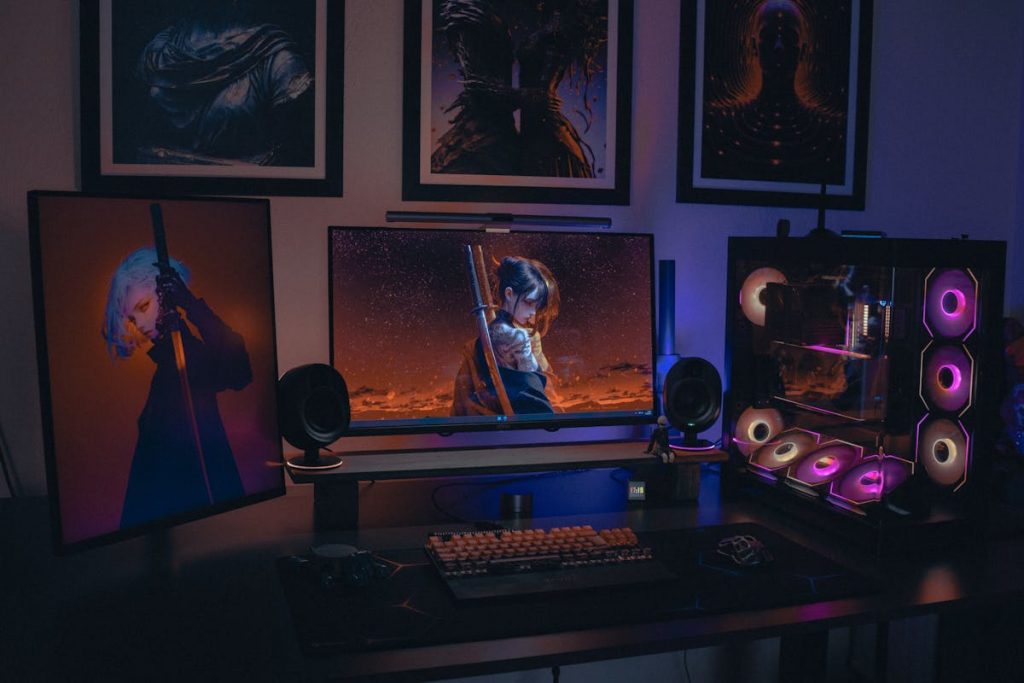


- Building your own gaming PC allows for greater customization and better value for money.
- Prebuilt gaming PCs offer convenience, warranties, and immediate playability but usually cost more.
- Understanding what you need to build a gaming PC is essential for budgeting and planning.
- DIY builds give more upgrade potential and allow you to prioritize performance-critical components.
- Prebuilt systems may include unnecessary software and proprietary parts that limit future upgrades.
- Hidden costs, like tools for DIY builds or shipping for prebuilt PCs, can affect the total investment.
- The choice between building and buying depends on your budget, technical comfort, and gaming goals.
Gaming PCs have become increasingly popular among enthusiasts and casual gamers alike. Whether you’re looking for high-end graphics performance, fast load times, or seamless streaming capabilities, choosing the right approach—building your own PC or purchasing a prebuilt system—can impact both your experience and your wallet. Understanding the costs, benefits, and trade-offs of each option is essential before making a decision.
This article will break down the differences, helping you determine which path makes sense for your gaming goals and budget.
What Do You Need to Build a Gaming PC?
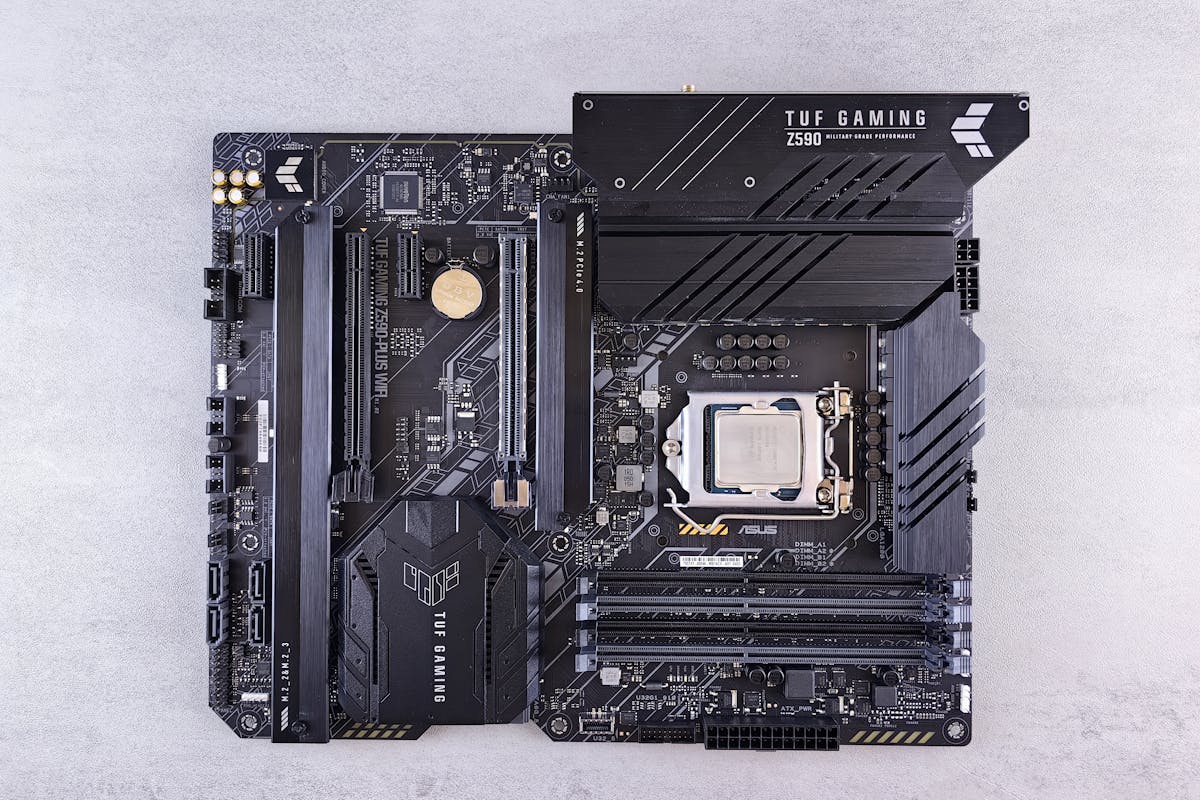
Before diving into costs, it’s important to understand what goes into building a gaming PC. Knowing the required components can help you estimate expenses more accurately and plan your build efficiently.
To build a gaming PC, you will need:
- Central Processing Unit (CPU) – The brain of your system, responsible for overall performance.
- Graphics Processing Unit (GPU) – Determines how well games run visually and at what frame rates.
- Motherboard – Connects all components and ensures compatibility.
- RAM (Memory) – Affects multitasking and game performance.
- Storage (SSD/HDD) – Holds your operating system, games, and files.
- Power Supply Unit (PSU) – Supplies power to all components safely.
- Case – Houses all components while providing airflow and cooling.
- Cooling System – Keeps your CPU and GPU temperatures under control, including fans or liquid cooling.
- Operating System – Typically Windows or Linux, necessary to run your games.
Understanding what you need to build a gaming PC is the first step toward assessing whether building your own system is worth it compared to a prebuilt option.
How Much Does It Cost to Build a Gaming PC?
Building your own gaming PC offers flexibility in both performance and budget. Costs can vary widely depending on your desired specifications.
- Budget Builds – Around $500–$800, ideal for 1080p gaming with mid-tier graphics and moderate performance.
- Mid-Range Builds – $900–$1,500, suitable for 1440p gaming and smoother frame rates in modern games.
- High-End Builds – $1,600–$3,000+, capable of 4K gaming and handling demanding workloads like streaming and video editing.
Additional costs may include peripherals like a monitor, keyboard, and mouse. The benefit of building your own PC is that you can prioritize components based on your gaming needs, avoiding unnecessary spending on parts you won’t use. Moreover, self-built PCs often allow for easier upgrades in the future.
What to Consider When Buying a Prebuilt Gaming PC
Prebuilt gaming PCs offer convenience and simplicity, but they often come with a higher price tag than DIY builds. These systems are assembled and tested by manufacturers, ensuring compatibility and stability.
Some key advantages include:
- Time Savings – No need to research or assemble components.
- Warranty and Support – Manufacturers provide coverage and customer support.
- Plug-and-Play Ready – You can start gaming immediately.
However, prebuilt systems may include unnecessary software, limited customization options, and slightly older components compared to what you could assemble yourself for the same price. For instance, a prebuilt PC priced at $1,200 may feature a GPU and CPU that you could get in a custom build for around $950, leaving you with a more optimized system if you assemble it yourself.
Performance vs Cost: Which Offers Better Value?
When comparing performance versus cost, building your own PC often comes out ahead in terms of value. By selecting each component individually, you can allocate more of your budget toward parts that significantly impact gaming performance, such as the GPU and CPU.
Key considerations:
- Customization – Choose components that suit your exact gaming needs.
- Upgrade Potential – Easier to replace or enhance components in the future.
- Cost Efficiency – Avoid paying for prebuilt assembly fees and manufacturer markups.
While prebuilt PCs save time, they typically cost more per unit of performance. Gamers seeking maximum value or long-term flexibility usually benefit more from assembling their own system, especially if they are comfortable researching and installing components.
Hidden Costs to Keep in Mind
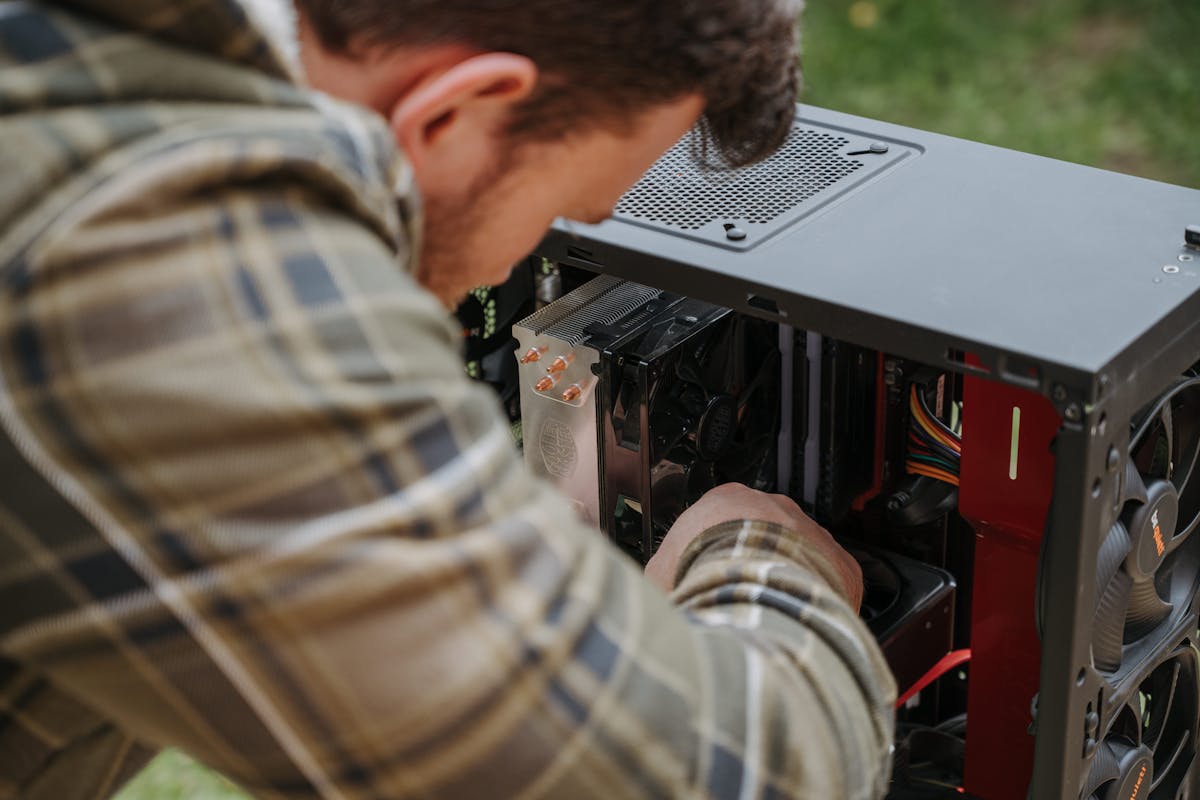
Both options come with potential hidden costs that can affect your budget:
- For DIY Builds: You may need tools, extra cooling, or accessories like RGB lighting. Incorrect assembly can also lead to component damage.
- For Prebuilts: Some manufacturers include extended warranties or proprietary parts that are harder to replace or upgrade. Additionally, shipping costs may add to the total price.
Being aware of these factors helps avoid unexpected expenses and ensures your gaming experience is smooth and enjoyable from the start.
Final Verdict: Build or Buy?
Choosing between building a gaming PC and buying a prebuilt system largely depends on your budget, technical comfort, and gaming goals. If you enjoy customization, want better value for your money, and are confident with tech assembly, building your own system can be the smarter choice. On the other hand, if convenience, immediate playability, and warranty support are top priorities, a prebuilt gaming PC may be worth the extra cost.
In summary, both options have merits. Carefully assess your priorities, compare component costs, and consider long-term usage before deciding. This ensures that your investment in a gaming PC aligns perfectly with your expectations and lifestyle.