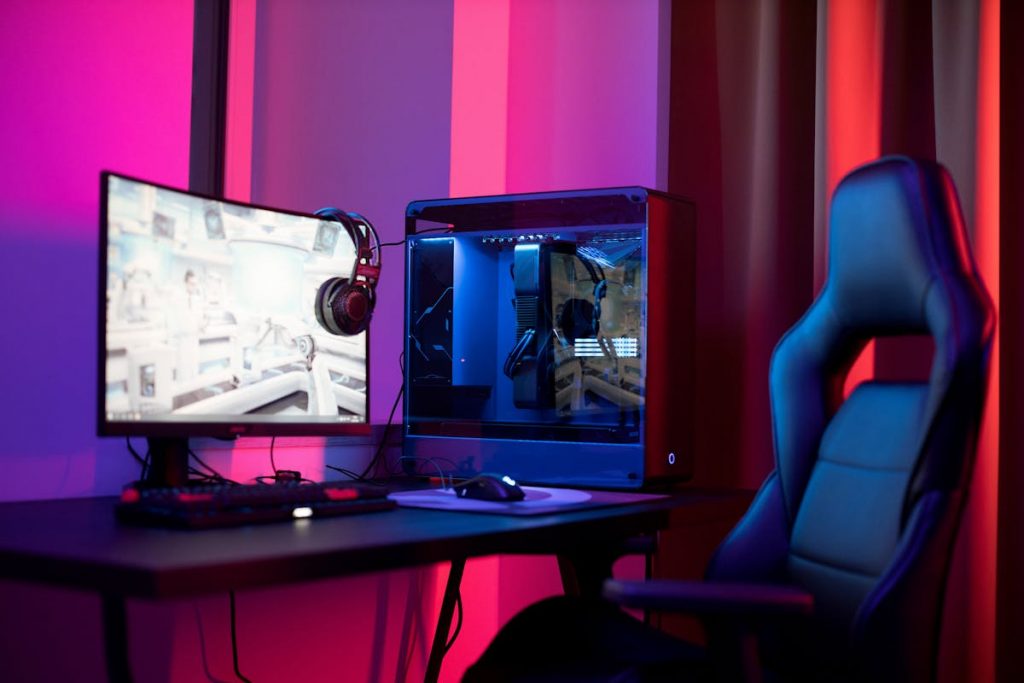


- Prioritize the GPU and CPU for the best gaming performance on a budget; other components can be upgraded later.
- 16GB of RAM and an SSD are sufficient for most modern games, providing smooth gameplay without overspending.
- Choose a reliable PSU and motherboard—cutting corners here can lead to instability or hardware damage.
- Budget cases and stock cooling are often enough; focus on functionality and airflow rather than aesthetics.
- Optional upgrades like high-end cooling, RGB lighting, or premium peripherals can be added later when your budget allows.
- Smart budget allocation ensures a balanced system and allows future upgrades without replacing major components.
- Research and check compatibility before buying to avoid costly mistakes and ensure smooth assembly.
Building a gaming PC on a budget is one of the smartest ways to get solid performance without overspending on features you may never use. Unlike prebuilt systems, a custom build lets you prioritize the components that matter most for gaming while trimming costs elsewhere. The key is understanding which parts are absolutely essential for smooth gameplay and which ones are optional upgrades you can add later.
This guide breaks down what you need to build a gaming PC on a budget, clearly separating must-have components from optional extras. Each section explains how the part affects performance, how much you should realistically spend, and where budget builders can save money without sacrificing reliability. Whether you are a first-time builder or upgrading from an older system, this article will help you make informed, cost-effective decisions.
Understanding What You Need to Build a Gaming PC on a Budget
Before buying any components, it is important to understand what “budget gaming PC” actually means. A budget build is not about choosing the cheapest parts available, but about allocating your money where it delivers the most noticeable gaming performance. For most gamers, this means focusing on frame rates, stability, and compatibility rather than flashy aesthetics or extreme specifications.
A well-planned budget gaming PC can run modern games smoothly at 1080p and even 1440p, depending on your part choices. By identifying essential components early, you avoid wasting money on unnecessary upgrades that do not improve gameplay. This section sets the foundation for smarter purchasing decisions and ensures every dollar you spend has a purpose.
Central Processing Unit (CPU): How Much Power Do You Really Need?
The CPU is one of the core components in any gaming PC, but it is also one of the easiest places to overspend. For budget gaming builds, you do not need the most powerful processor on the market to achieve smooth performance. Most modern games rely more heavily on the graphics card, making mid-range CPUs an excellent value choice.
A balanced CPU ensures your system can handle game logic, background tasks, and system processes without bottlenecking your GPU. Choosing a processor with strong single-core performance and enough threads is more important than chasing high core counts that you may never fully utilize in gaming.
Essential CPU Features for Budget Builds
- 4 to 6 cores with multithreading support
- Strong single-core performance
- Compatibility with affordable motherboards
Optional CPU Upgrades
- Higher core counts for streaming or content creation
- Overclocking support for advanced users
Graphics Card (GPU): The Most Important Gaming Component
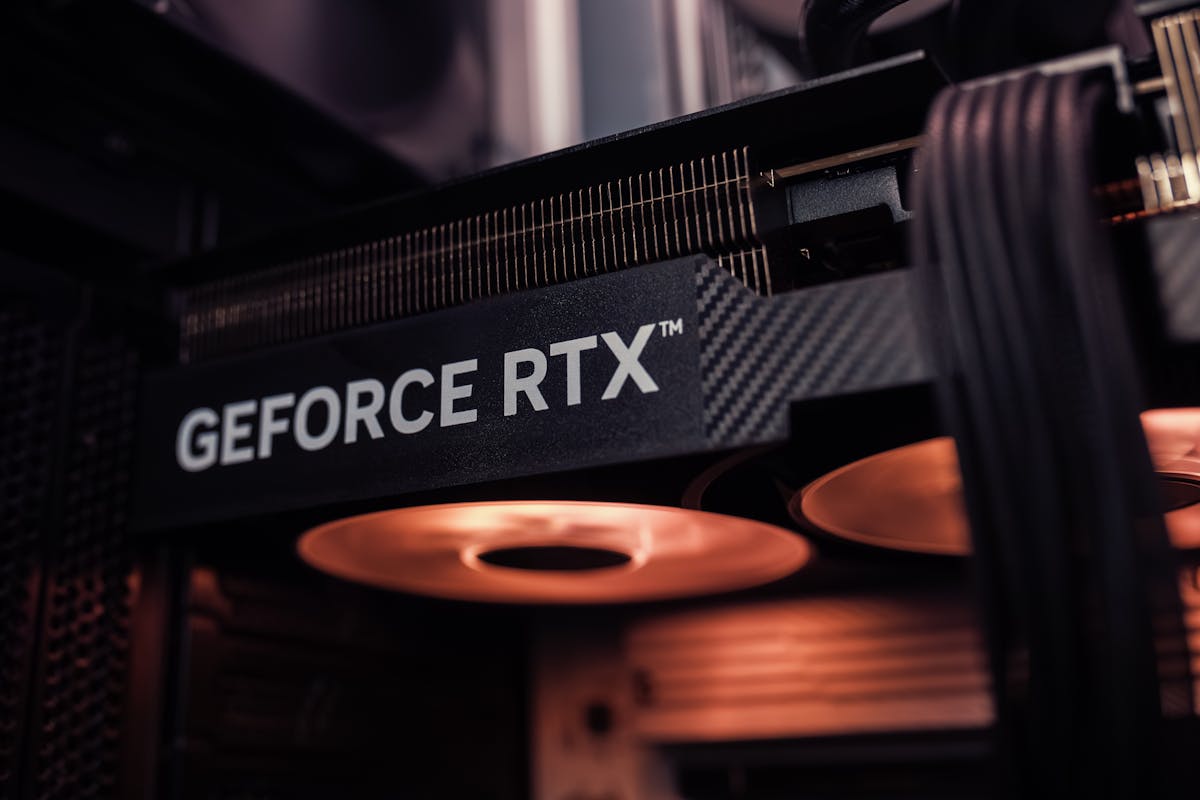
The graphics card is the single most important part of a gaming PC, especially when working within a budget. It directly affects frame rates, resolution, and visual quality in games. If there is one component where your budget should be prioritized, it is the GPU.
Budget builders should aim for the best performance-per-dollar GPU available at the time of purchase. Older-generation graphics cards and mid-tier models often offer excellent gaming performance at a fraction of the cost of flagship GPUs. Understanding your target resolution and refresh rate will help you choose the right card without overspending.
Essential GPU Considerations
- Performance at 1080p or 1440p gaming
- Adequate VRAM for modern games
- Reliable driver support
Optional GPU Features
- Ray tracing capabilities
- Higher VRAM for future-proofing
Motherboard: Function Over Flash
The motherboard connects all your components, but it does not directly impact gaming performance. Budget builders often make the mistake of spending too much on high-end boards with features they never use. A reliable, compatible motherboard is all you need for a stable gaming system.
Focus on compatibility with your CPU, enough expansion slots for your needs, and essential connectivity. Features like premium audio, advanced RGB control, and multiple PCIe slots are optional and can be skipped to save money.
Essential Motherboard Features
- CPU and chipset compatibility
- Enough RAM slots for upgrades
- Reliable power delivery
Optional Motherboard Features
- Built-in Wi-Fi and Bluetooth
- Advanced RGB lighting support
Memory (RAM): How Much Is Enough for Gaming?
RAM plays a critical role in system responsiveness and multitasking, but more is not always better when building on a budget. For most modern games, 16GB of RAM is the sweet spot, providing smooth performance without unnecessary expense.
Choosing the right speed and configuration matters more than buying excessive capacity. Dual-channel RAM setups improve performance, while extremely high-speed kits often provide minimal real-world gains in gaming.
Essential RAM Requirements
- 16GB total capacity
- Dual-channel configuration
- Compatible speed for your CPU
Optional RAM Upgrades
- 32GB for heavy multitasking
- RGB lighting for aesthetics
Storage: Balancing Speed and Capacity
Storage affects loading times, system boot speed, and overall responsiveness. Budget gaming PCs benefit greatly from solid-state drives, even smaller ones. An SSD for your operating system and frequently played games provides noticeable performance improvements compared to traditional hard drives.
While large-capacity NVMe drives are appealing, budget builders can combine a smaller SSD with a larger hard drive to balance speed and storage space. This approach keeps costs down without sacrificing usability.
Essential Storage Setup
- SSD for the operating system
- Enough space for core games
Optional Storage Add-Ons
- Secondary hard drive for media
- Larger NVMe SSDs for faster load times
Power Supply Unit (PSU): Do Not Cut Corners Here
The power supply is one component where saving money the wrong way can cause serious problems. A low-quality PSU can lead to system instability, crashes, or even hardware damage. Budget does not mean unsafe, and choosing a reliable PSU is essential.
Look for units with sufficient wattage, good efficiency ratings, and reputable brand support. You do not need excessive wattage, but you do need consistent and clean power delivery.
Essential PSU Requirements
- Adequate wattage for your build
- 80 Plus efficiency certification
- Trusted manufacturer
Optional PSU Features
- Modular cabling for cleaner builds
- Higher efficiency ratings
PC Case: Airflow Over Appearance
A PC case houses all your components and affects cooling and noise levels. Budget builders often feel tempted by visually impressive cases, but airflow and compatibility matter far more than looks. A well-ventilated case ensures stable performance and longer component lifespan.
Affordable cases with good airflow and basic cable management are widely available. As long as your components fit properly and airflow is sufficient, you do not need to spend heavily in this area.
Essential Case Features
- Good airflow design
- Compatibility with the GPU and the motherboard
- Basic cable management
Optional Case Features
- Tempered glass panels
- RGB lighting and premium materials
Cooling: Stock vs Aftermarket Solutions
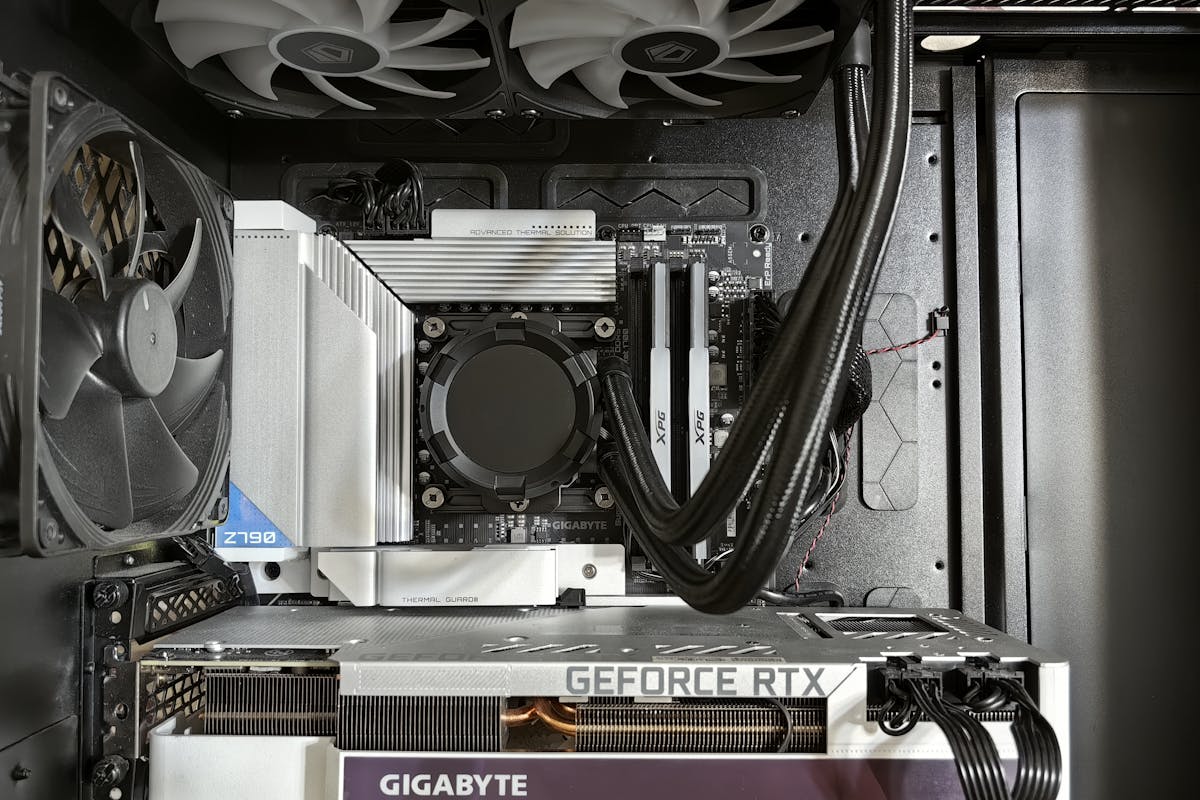
Cooling is essential for maintaining stable performance, but budget builders can often rely on stock cooling solutions. Many CPUs include capable stock coolers that handle gaming workloads effectively without additional cost.
Aftermarket coolers become useful when overclocking or building in compact cases. If your system temperatures remain within safe limits, additional cooling upgrades can wait.
Essential Cooling Needs
- Functional CPU cooler
- Adequate case airflow
Optional Cooling Upgrades
- Aftermarket air coolers
- Liquid cooling systems
Operating System and Software Costs
Software is often overlooked when budgeting for a gaming PC. While hardware is the main expense, the operating system and essential software still factor into the total cost. Windows is the most common choice for gaming due to its compatibility with games and drivers.
Budget-conscious builders can explore legitimate ways to reduce software costs, such as transferring existing licenses or delaying non-essential software purchases.
Essential Software
- Operating system
- GPU drivers and updates
Optional Software
- Paid productivity tools
- Advanced system utilities
Peripherals: What You Need vs What You Want
Peripherals like monitors, keyboards, and mice can significantly affect your gaming experience, but they should not overshadow your core build budget. It is better to invest in strong internal components first and upgrade peripherals over time.
Basic, reliable peripherals are sufficient when starting out. Performance-focused features like high refresh rate monitors and mechanical keyboards can be added later.
Essential Peripherals
- Monitor compatible with your GPU
- Basic keyboard and mouse
Optional Peripheral Upgrades
- High refresh rate monitors
- Mechanical keyboards and gaming mice
Budget Allocation: Where Your Money Should Go
Understanding how to divide your budget is crucial for building a balanced gaming PC. The GPU and CPU should take the largest portion, followed by RAM and storage. Components like the case and aesthetics should remain lower priorities.
A smart budget allocation ensures smooth performance today and upgrade flexibility in the future. Planning ahead prevents costly replacements and compatibility issues.
Typical Budget Breakdown
- GPU: Largest portion
- CPU: Moderate investment
- Storage and RAM: Balanced spending
Final Tips for Building a Budget Gaming PC
Building a gaming PC on a budget is about smart compromises, not sacrifices. By focusing on essential components and delaying optional upgrades, you can achieve excellent gaming performance without overspending. Research, compatibility checks, and realistic expectations are key to success.
A budget build is also flexible. You can start with a solid foundation and upgrade individual components as your needs and budget grow. This approach makes custom PC building one of the most cost-effective ways to enjoy modern gaming.